ProductWhite
by Orbitra · Android
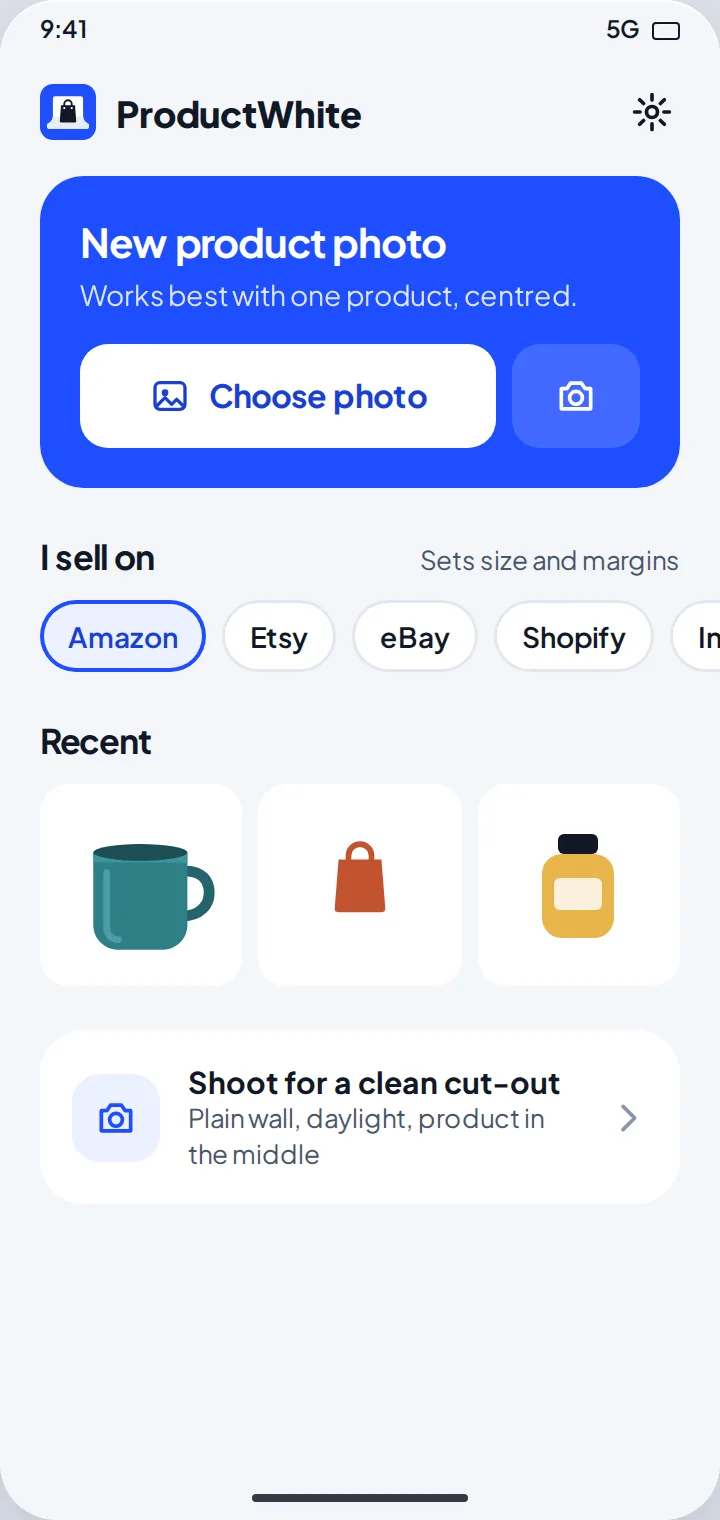
White background photo app Your kitchen table becomes a photo studio.
Remove the background from a product photo, put it on pure white and size it for Amazon, Etsy, eBay, Shopify or Instagram. Free, no watermark, and your photos never leave your phone.
- Free
- No account
- No ads
1
tap to a white background
5
marketplaces ready
6
checks before you list
0
uploads, ads or watermarks
01 Before → after
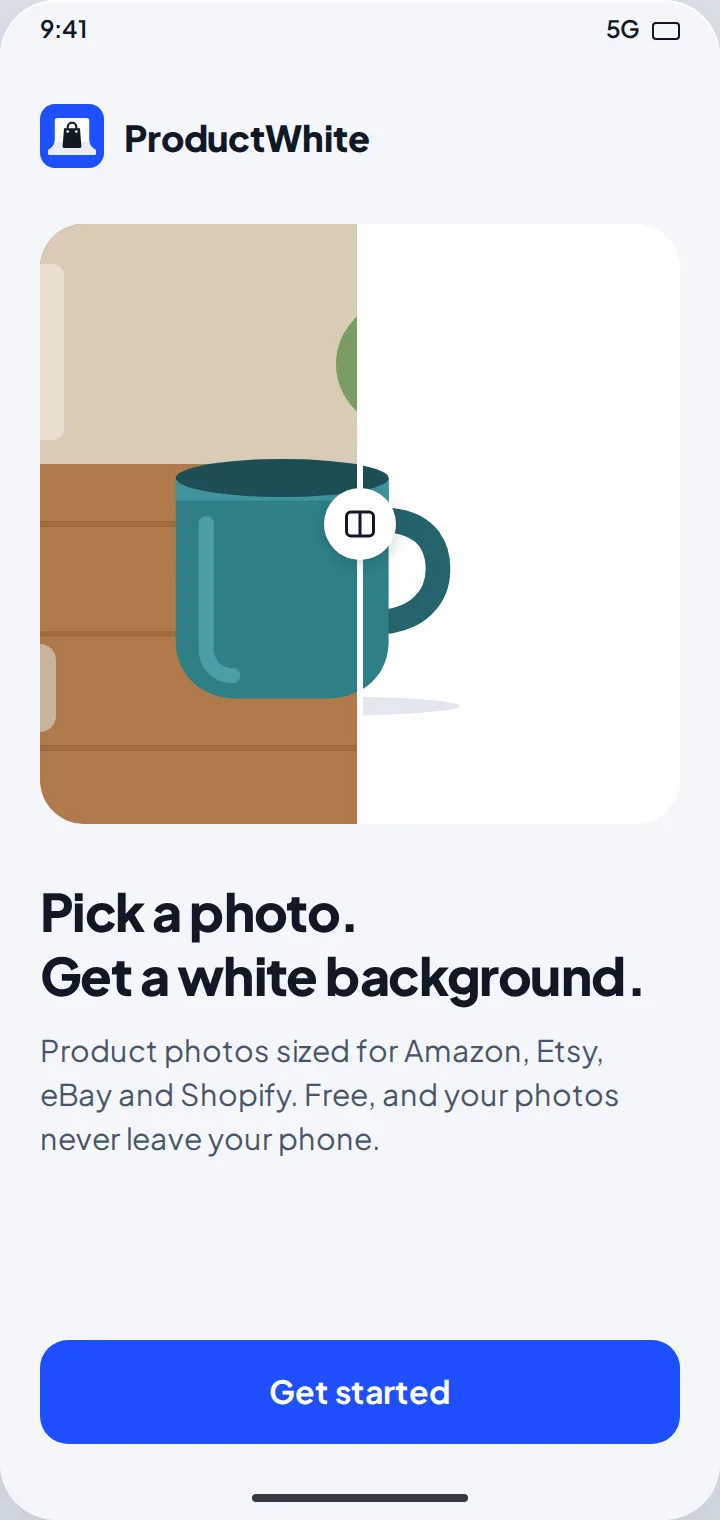
Pick a photo. Get a white background.
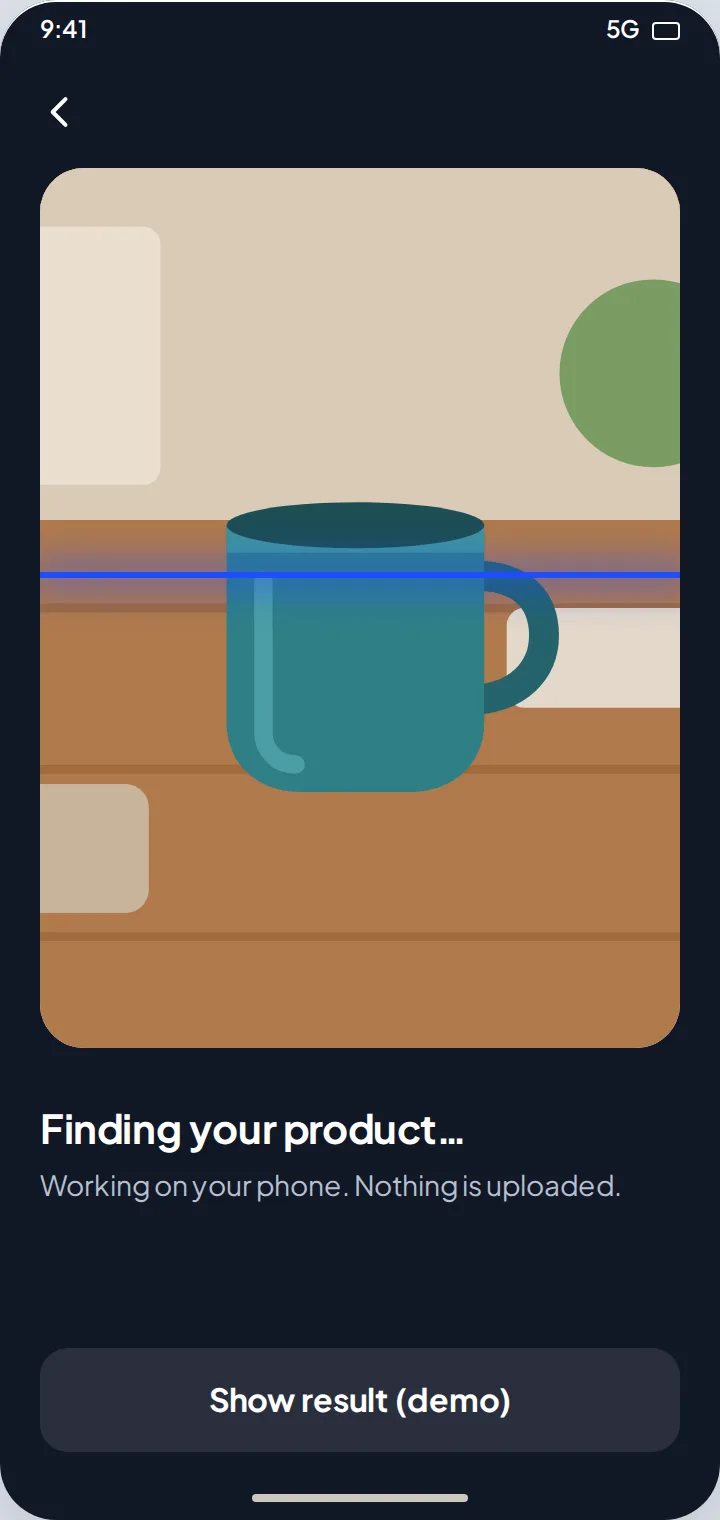
Choose a photo or take one with your camera. ProductWhite finds the product and removes everything else.
-
Choose or take a photo
Android’s photo picker shows only the photo you pick. Take photo opens your camera app.
-
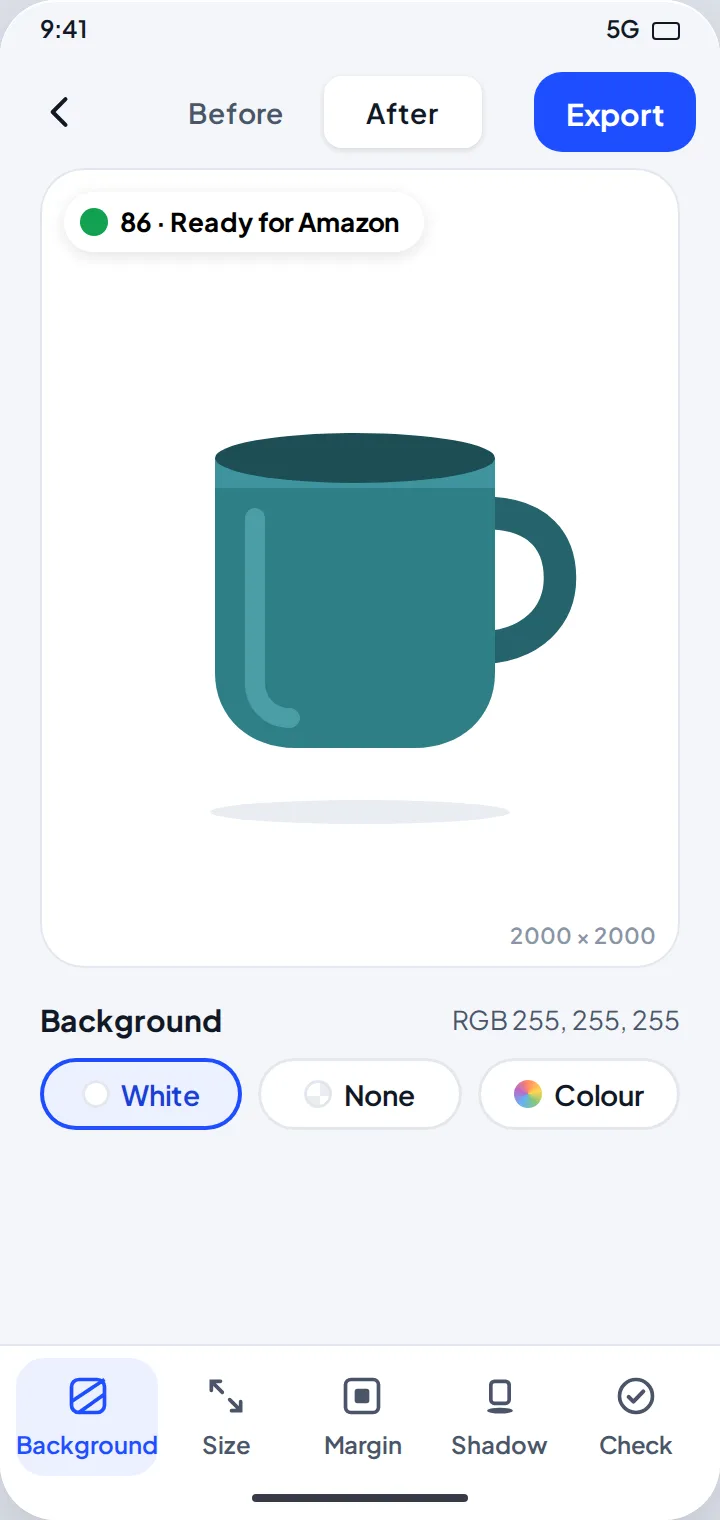
Clean cut-out
Smooth edges with the background fringe removed. Compare before and after.
-
All on your phone
Google ML Kit finds the product on the device. Nothing is uploaded.
-
Help when it can’t
No product found? It tells you why and how to reshoot.
02 Ready for your shop
Sized for the marketplace you sell on
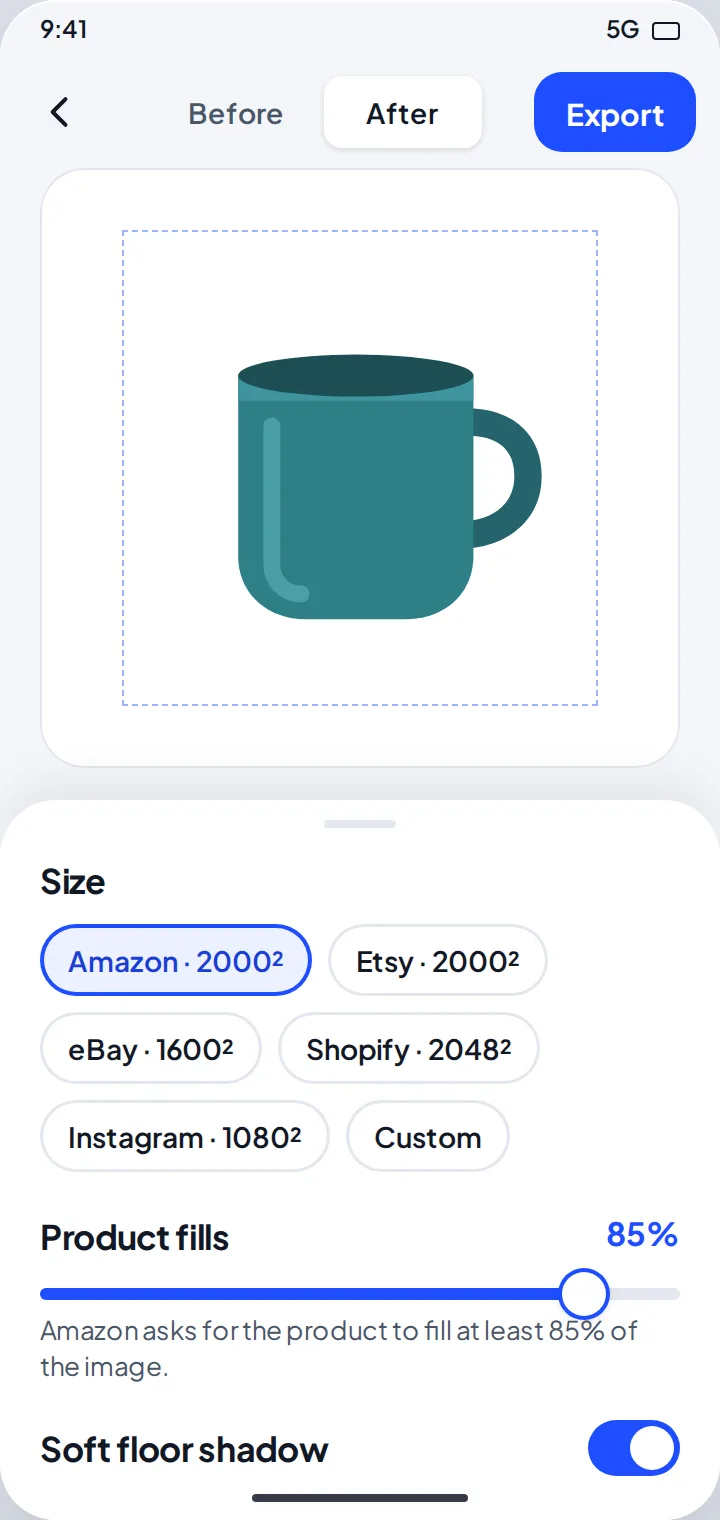
Pick where you sell once. ProductWhite sets the size and how much of the frame the product fills.
| I sell on | Size (px) | Product fills |
|---|---|---|
| Amazon | 2000 × 2000 | 85% |
| Etsy | 2000 × 2000 | 80% |
| eBay | 1600 × 1600 | 80% |
| Shopify | 2048 × 2048 | 80% |
| 1080 × 1080 | 75% | |
| Custom | Your size | You choose |
03 Fine-tune
Background, margin and shadow
Every setting is one tap away in the editor.
-
White, none or a color
Pure white RGB 255, a transparent PNG, or a brand color.
-
Product fills
Slide to set how much of the frame the product fills.
-
Soft floor shadow
A gentle shadow that makes the product sit naturally.
-
Before and after
Flip between the original and the result.
04 Photo check
Know it will pass before you upload
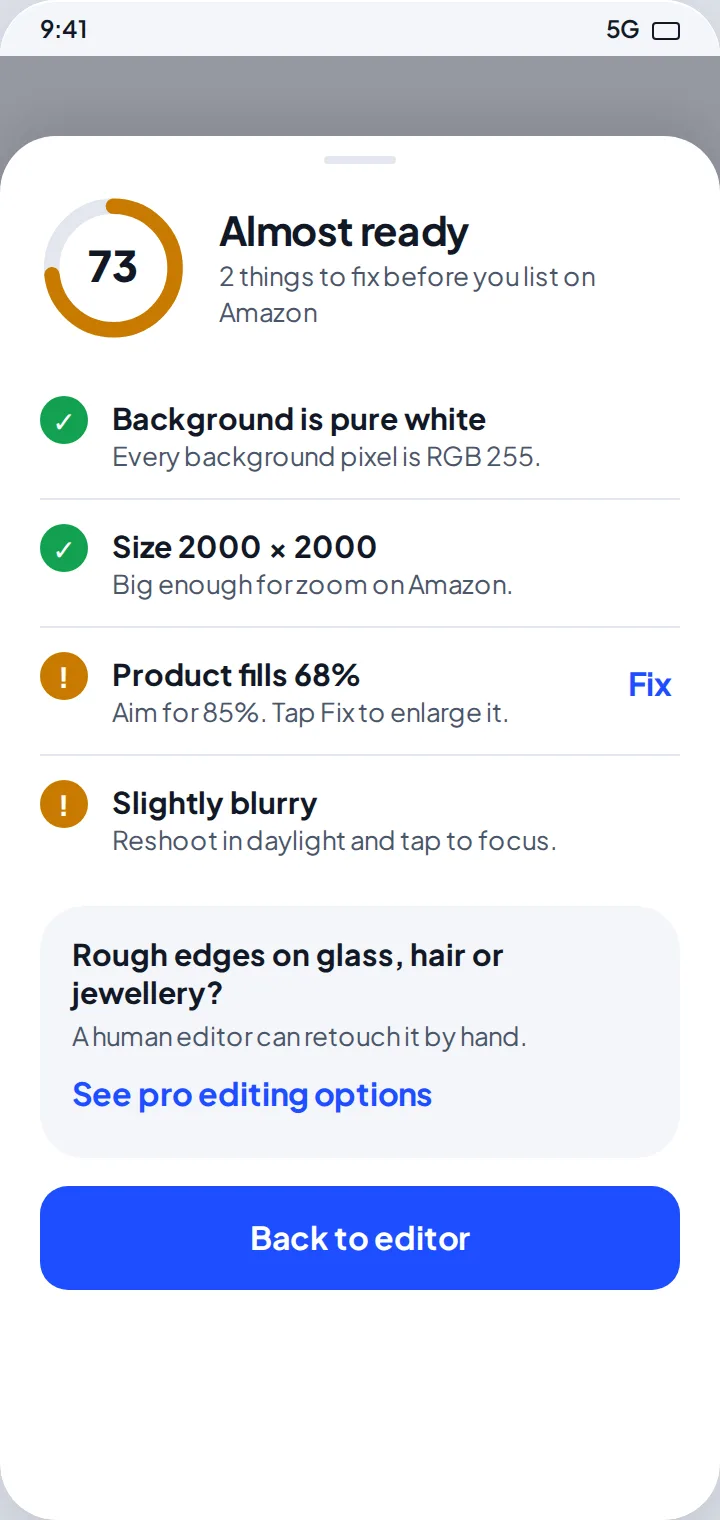
A score from 0 to 100 and plain tips, like “Product fills 68%. Aim for 85%.” Tap Fix and it is done.
-
Pure white background
Every background pixel is RGB 255.
-
Size and fill
Big enough to zoom, with the product filling the frame.
-
Sharpness and light
Spots blurry, dark or washed-out photos.
-
Clean edges
Flags rough edges before a buyer sees them.
05 Save & share
Full resolution, straight to your gallery
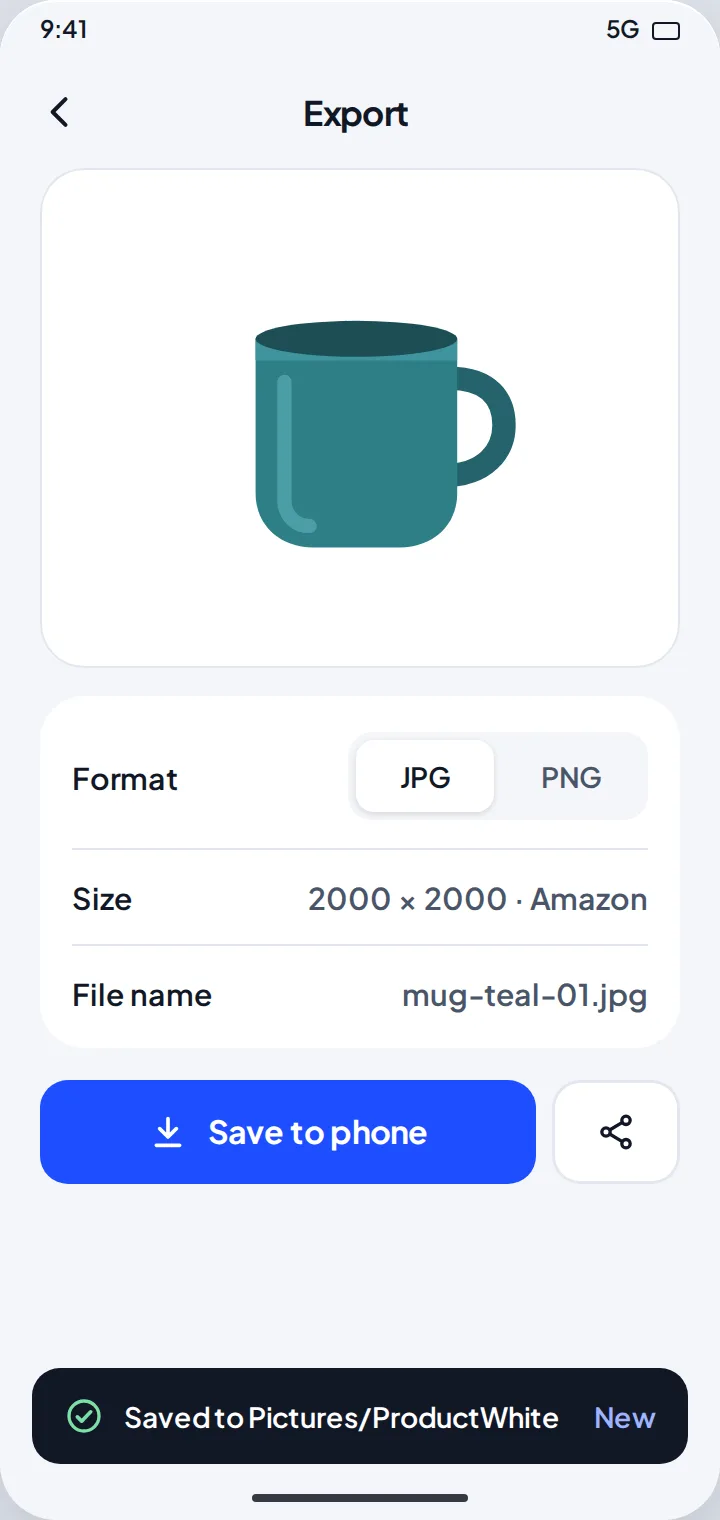
Save a JPG or PNG to Pictures/ProductWhite, or share it to any app.
-
JPG or PNG
Full resolution, with a clear file name like mug-teal-01.jpg.
-
Share anywhere
Send it to your shop app, WhatsApp or email.
-
Recent photos
Your last exports wait on the home screen.
-
Your defaults
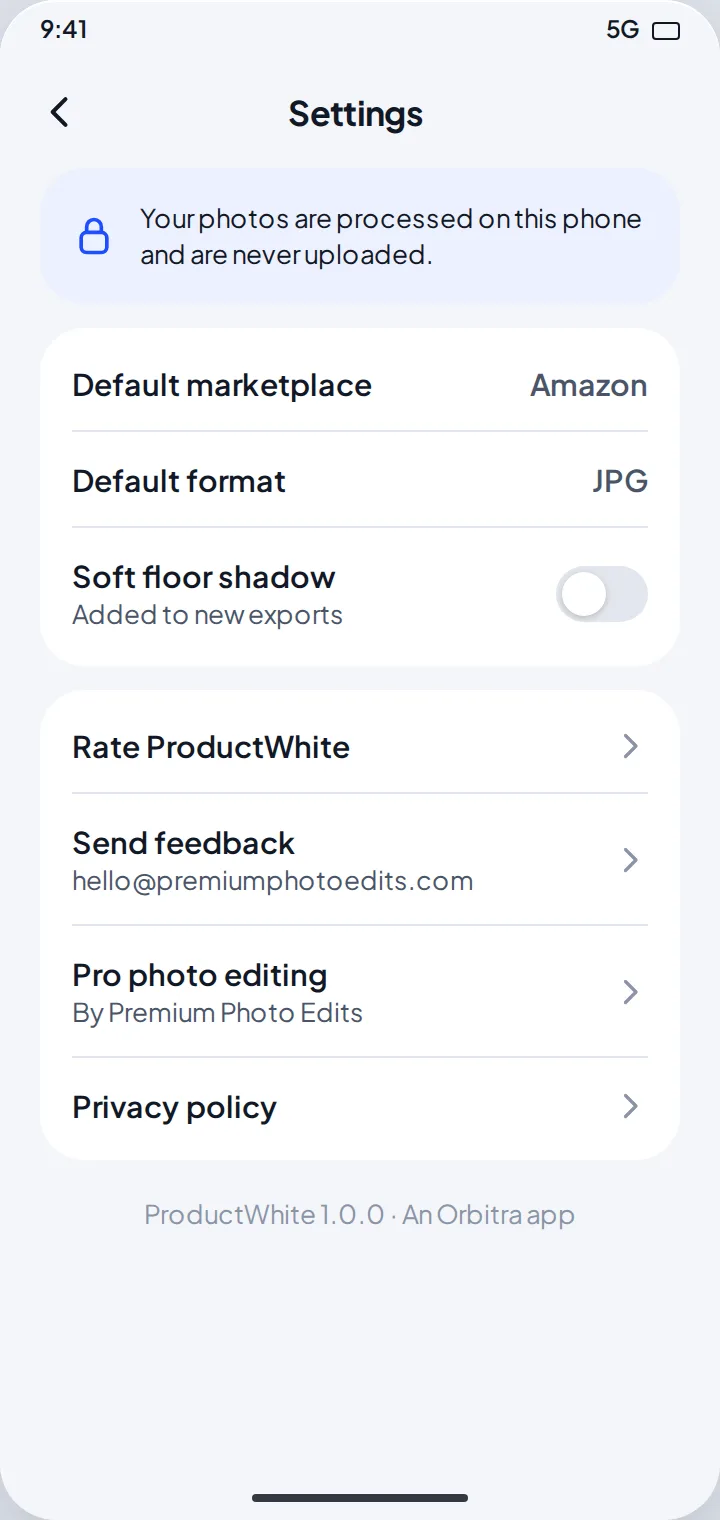
Default marketplace, format and shadow in Settings.
06 Need a perfect edit?
A human editor, when you need one
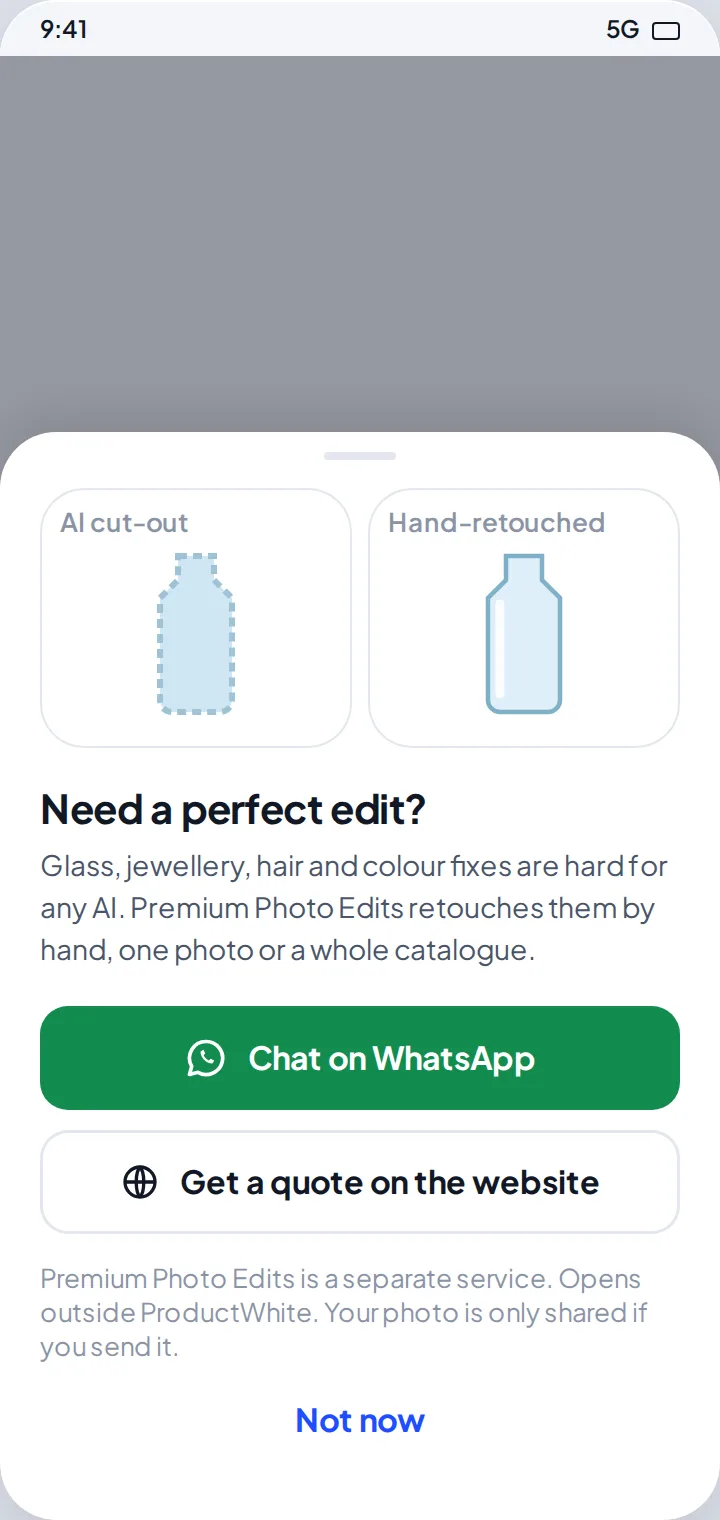
Glass, jewelry, hair and color fixes are hard for any AI. Premium Photo Edits retouches them by hand, one photo or a whole catalog. Optional, and a separate service.
-
Chat on WhatsApp
Or get a quote on the website.
-
Only if you choose
A photo is only shared if you send it yourself.
And there’s more
The little things that make a big difference
-
Free
No ads, no watermark, no account.
-
Shooting tips
Plain backdrop, daylight, product in the middle.
-
No permissions
No camera, storage or media permission needed.
-
Light and dark
Easy on the eyes.
How it works
Three steps. That’s it.
- 1
Pick a photo
Or take one. One product, in good light.
- 2
Choose your shop
Amazon, Etsy, eBay, Shopify, Instagram or custom.
- 3
Check and save
Fix anything the photo check finds, then save.
Take a look
Inside ProductWhite
Store artwork. Real screenshots will replace them once the app runs.
Privacy at a glance
Your data stays yours
- No account. No ads.
- Your photos are processed on your phone and never uploaded.
- Anonymous usage stats and crash reports help us fix bugs. They never include your photos or file names.
- Links to Premium Photo Edits and WhatsApp open separate services with their own privacy policies.
Early access
Help us test ProductWhite: White Background
The app is in testing on Google Play. Install it early, use it for a while and tell us what you think.
Join the test (opens in a new tab)Send feedback to [email protected]. Thank you!
- Open the testing page (opens in a new tab) and select Become a tester.
- Once you have joined, click Download it on Google Play.
- Install the app from the Google Play Store.
- Use it for a while. Found a bug, or have an idea? Please let us know.
Is ProductWhite free?
Yes, the app is free, with no ads and no account.
Which shops are the photos ready for?
Amazon, Etsy, eBay, Shopify and Instagram. You can also set a custom size.
How do I get the best result?
Shoot in good light and let the product fill most of the frame. The photo check tells you what to fix, like “Product fills 68%. Aim for 85%.”
Do my photos leave my phone?
No. Background removal runs on your phone. A photo only leaves it if you share it yourself.
Where are my photos saved?
In Pictures/ProductWhite on Android 10 and newer. On older phones, you choose the folder.
Can someone edit a photo for me?
Yes. The optional pro-edit service is Premium Photo Edits (opens in a new tab), a separate service with its own terms.
Make your next listing look professional.
ProductWhite: White Background · Free on Android · by Orbitra
Join the test on Google Play (opens in a new tab)Help and legal
Questions or a bug to report? Email [email protected]. We reply within 2–3 working days.