Habit Tracker
by Orbitra · Android
Habit tracker & day counter Log anything. See when, how often, how long ago.
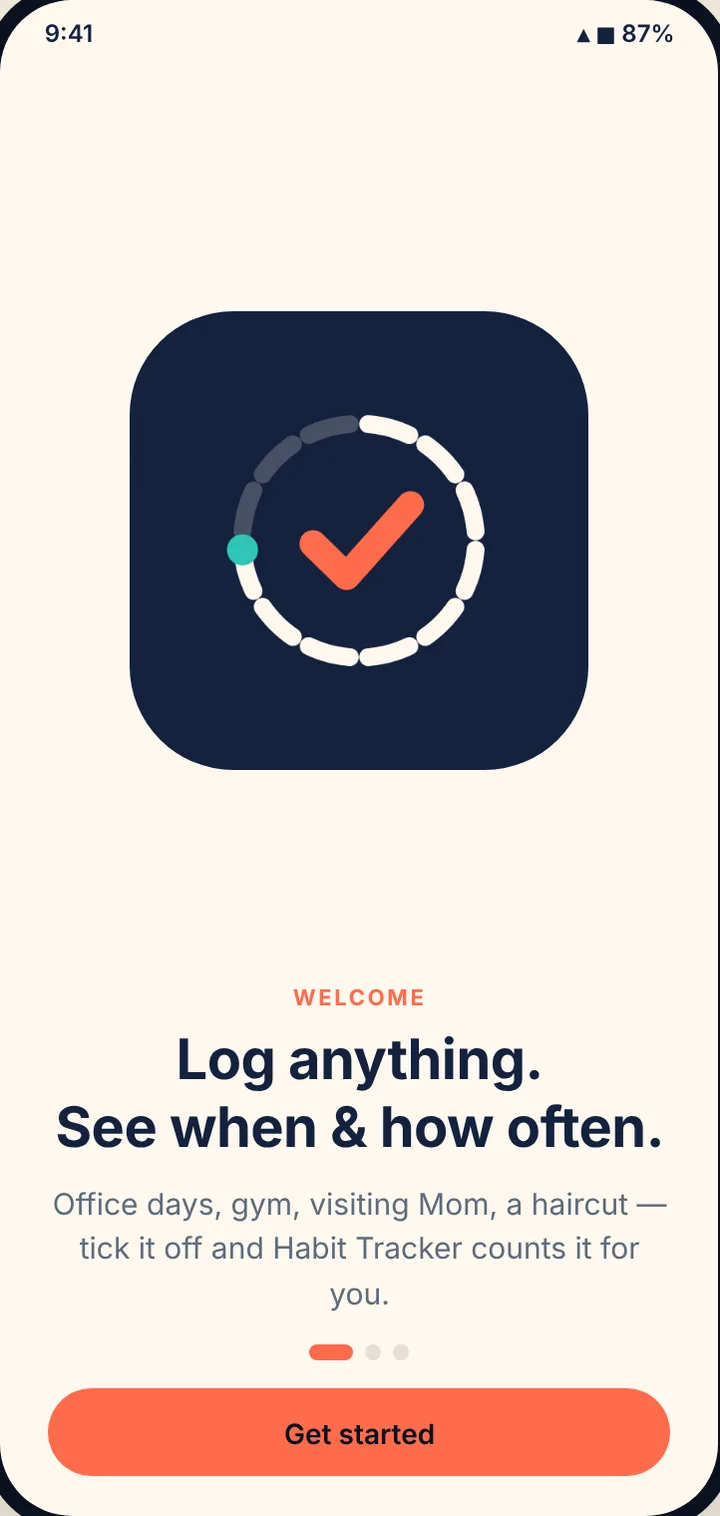
Office days, gym, visiting Mom, a haircut. Tick it on a calendar and Habit Tracker counts it for you, with streaks, stats, reminders and a to-do list. Private, offline, no ads.
- Free
- No account
- No ads
169
icons for your topics
32
colors
39
ready-made topics
0
ads, accounts or sign-ups
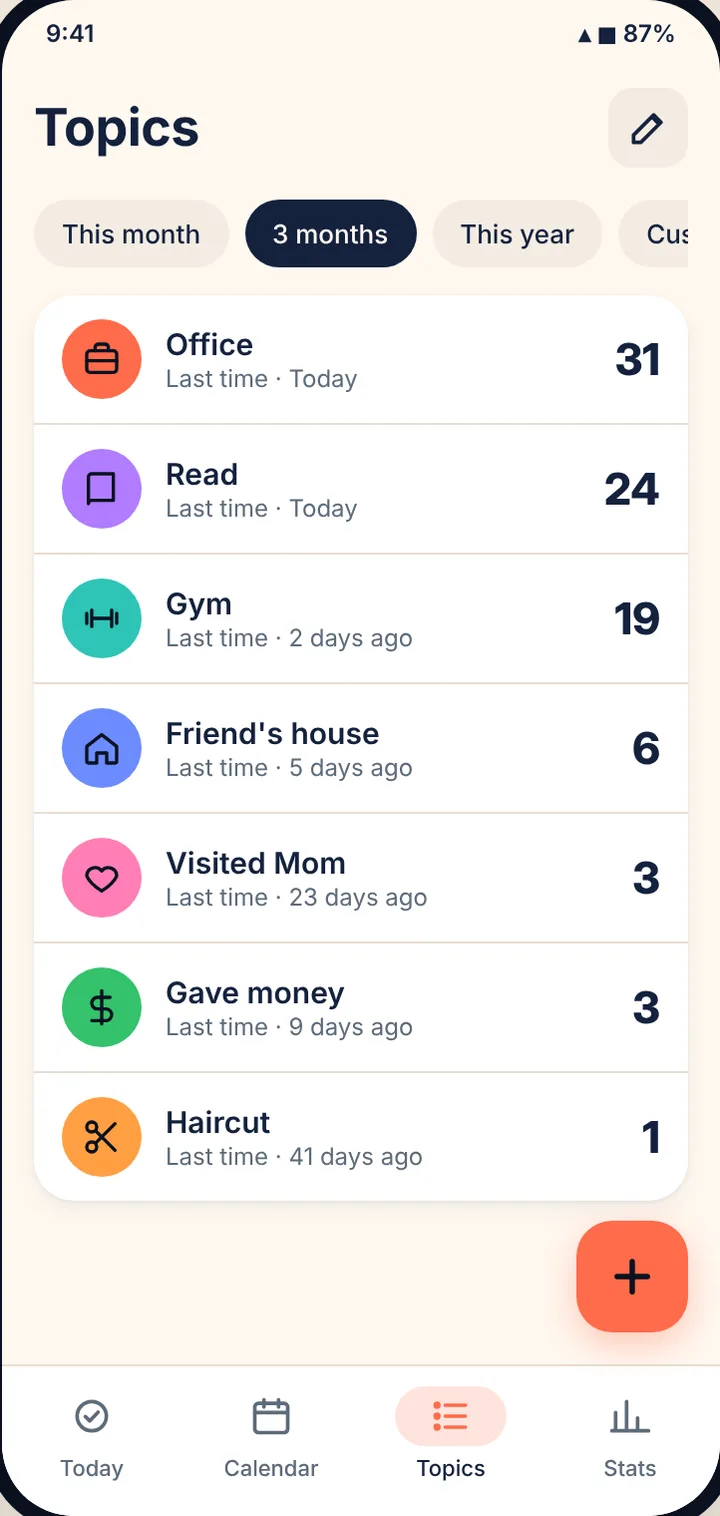
01 Topics
A topic for anything you want to remember
Make your own topics, or start from 39 everyday suggestions in 7 groups. Many come with a starting goal.
-
Your name, color and icon
32 colors and 169 icons in 12 groups, all checked for contrast.
-
Ready-made topics
Office, Gym, Read, Call parents, Meditate and more, in one tap.
-
Keep things tidy
Edit, reorder, archive and restore topics. Deleting asks first.
-
“Last time” at a glance
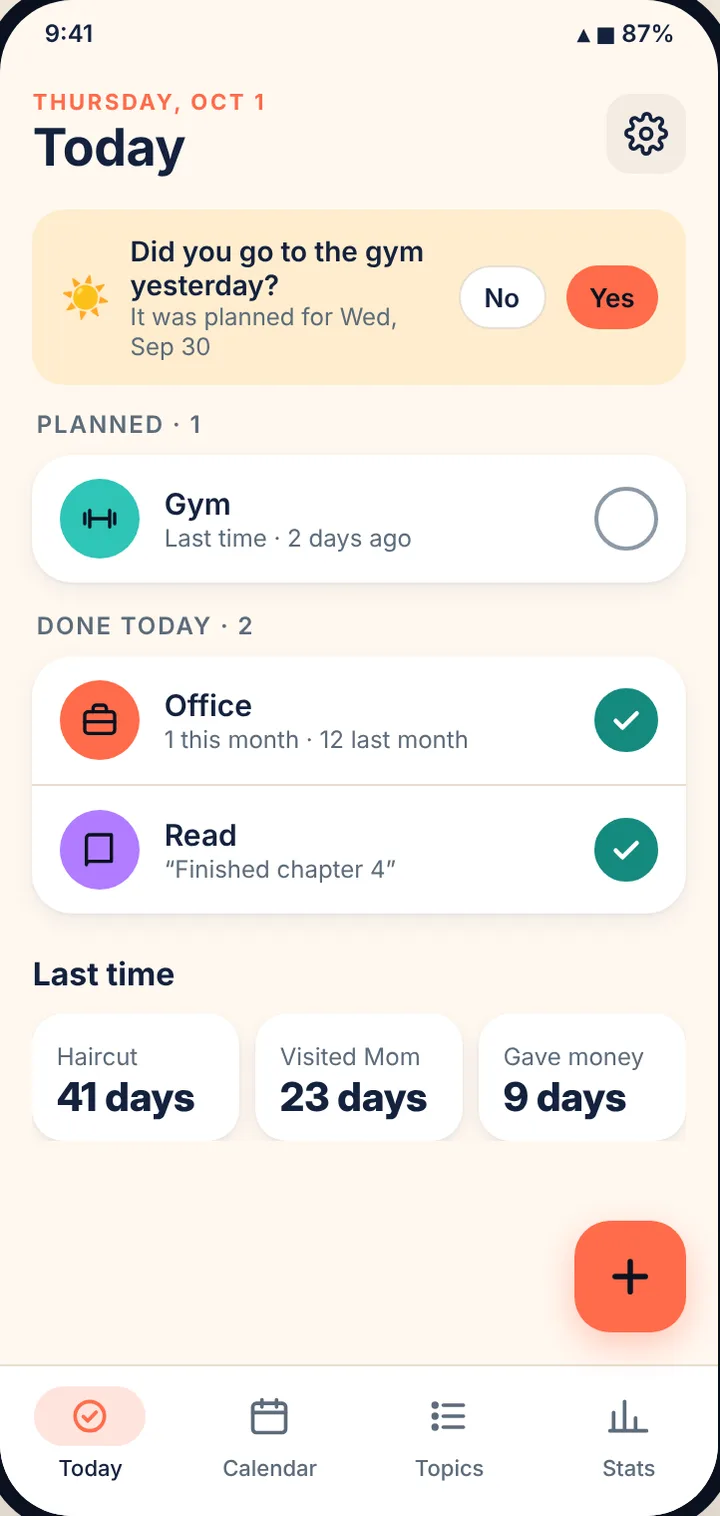
Every topic shows how many days ago it last happened.
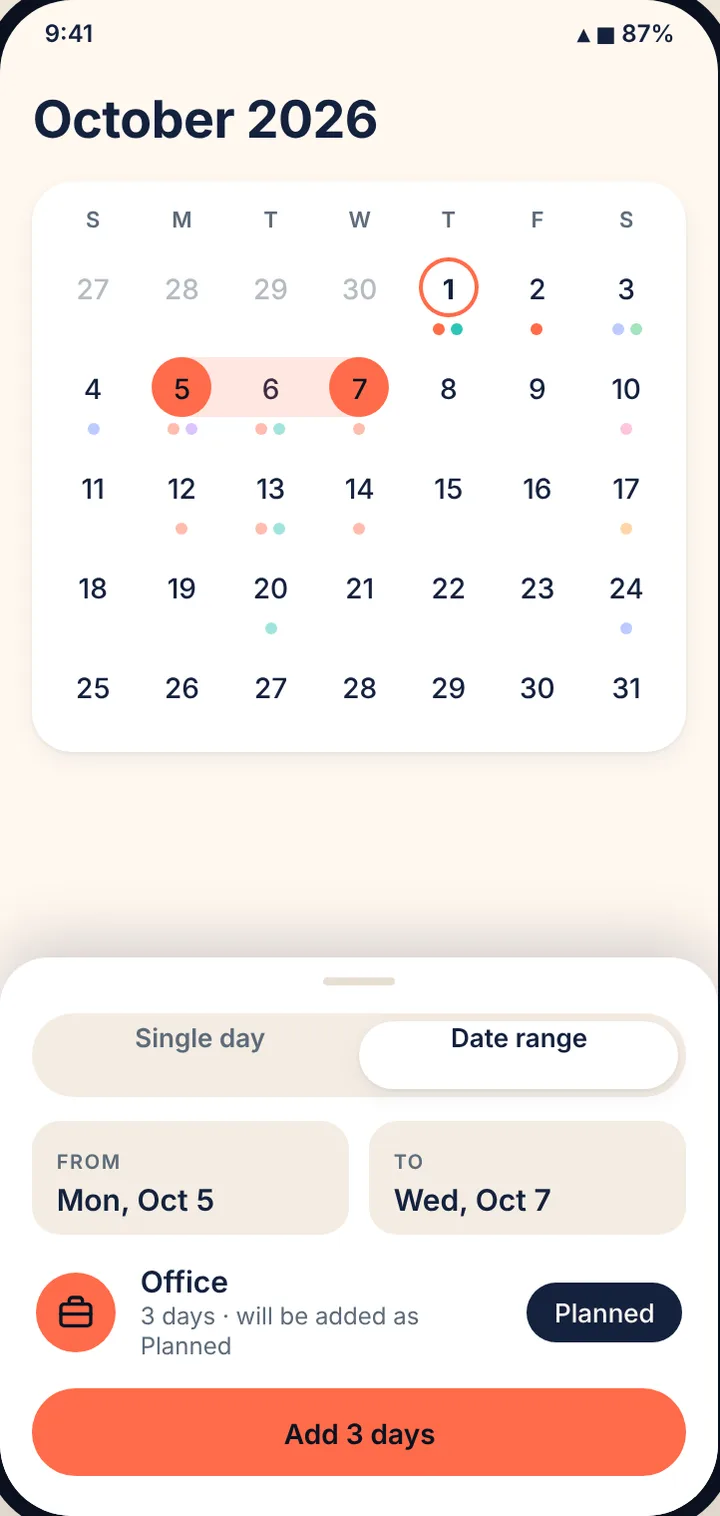
02 Calendar
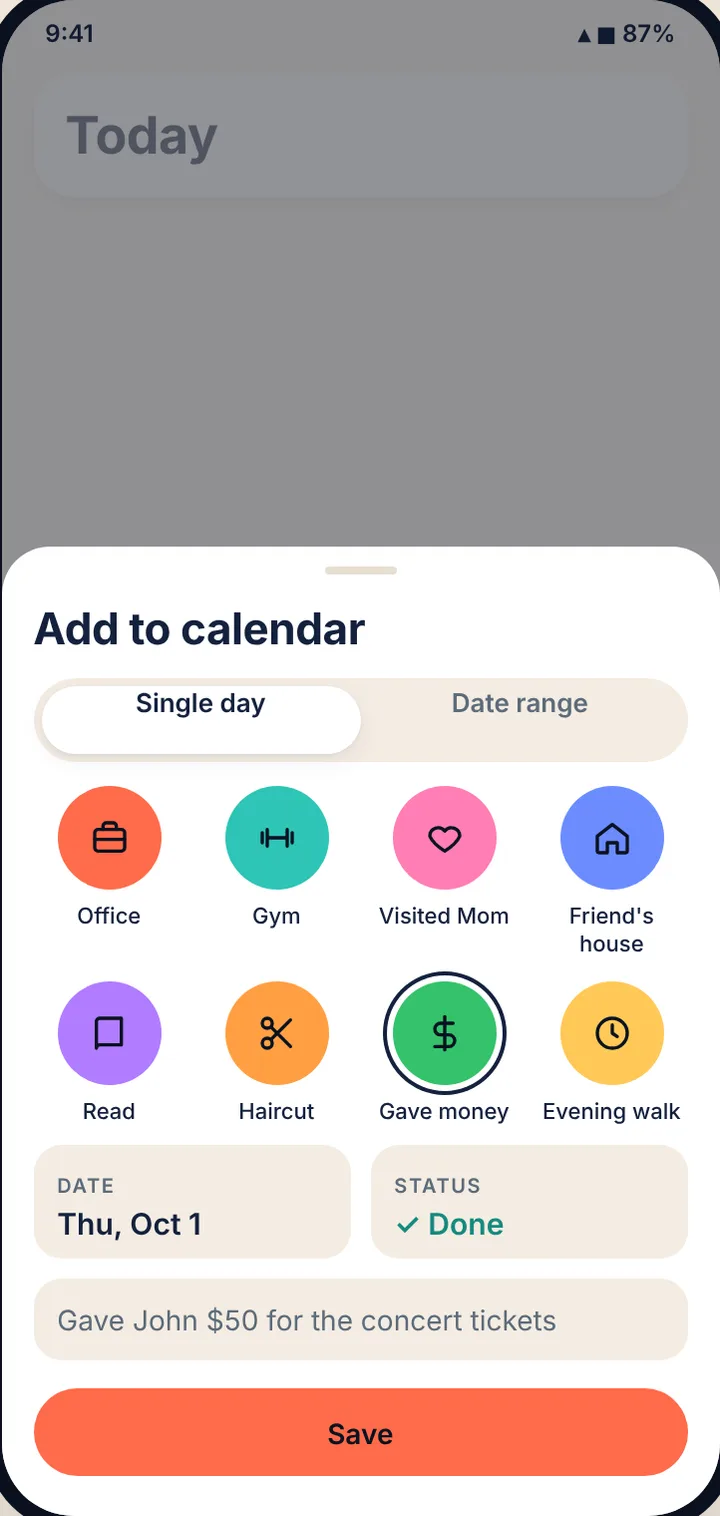
Tap a day. Add a topic. Done.
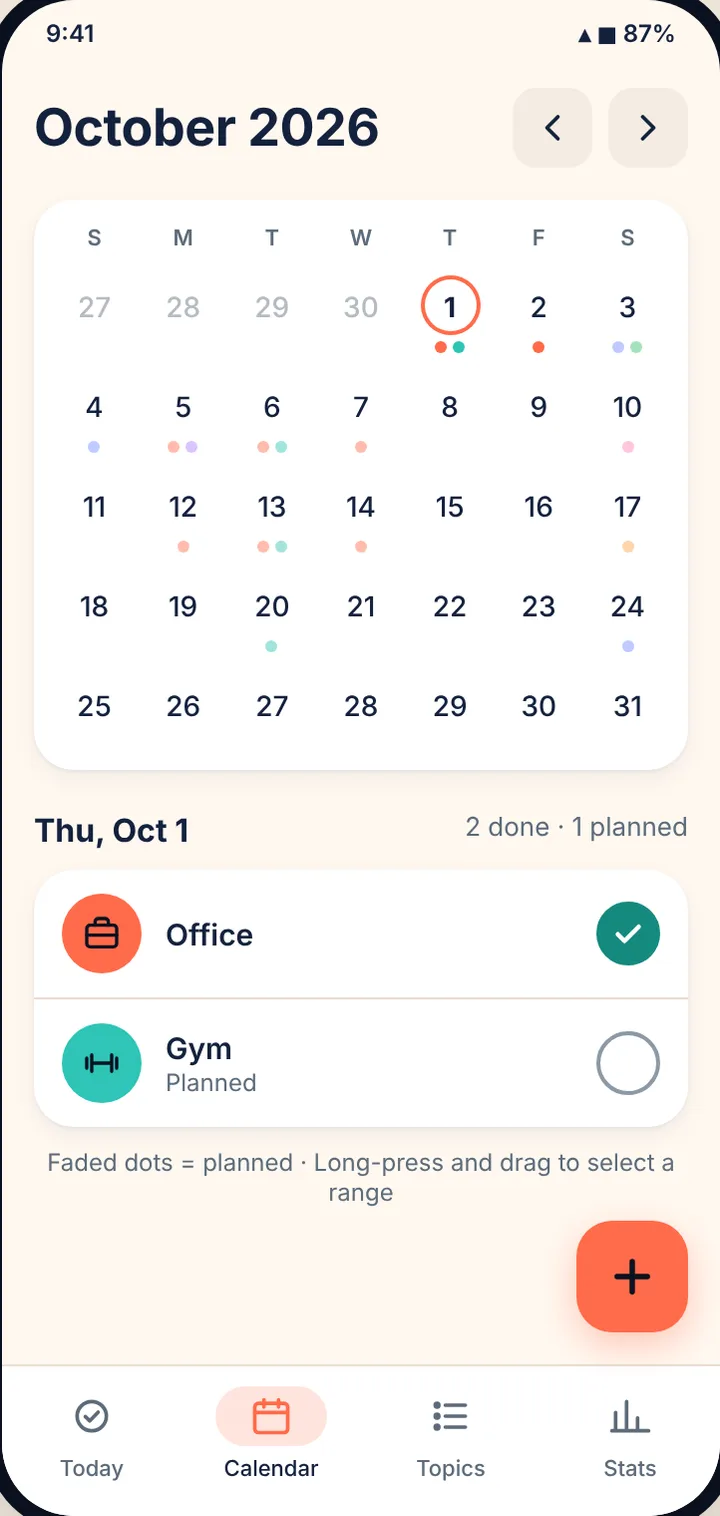
Your month at a glance, with a colored dot for everything you did or planned.
-
One day or a date range
“Office, 1–3 Oct” makes three entries in one go, up to a year at once.
-
Planned, then done
Plan days ahead. One tap ticks them off. Future days stay planned.
-
Notes on any day
Add up to 500 characters, like “Finished chapter 4”.
-
Undo everywhere
Removed something by mistake? Undo brings it back.
03 Habits
Goals and streaks, without the guilt
Give a topic a goal and Habit Tracker keeps the streak for you. Rest days and bad weeks are part of life, so the app plans for them.
-
Goals that fit you
Just log it, every day, on certain days, or a number of times a week.
-
Streaks with freezes
Current and longest streak, with 2 automatic streak freezes every month.
-
Skip with a reason
Sick, traveling, rest day, bad weather, or your own words. Skipped days keep your streak.
-
Count it or time it
8 glasses of water, or 20 minutes of reading with a built-in stopwatch.
-
Badges and levels
Badges at 7, 30 and 100 in a row, and levels for every check-in.
-
One-tap check-in
Tick, +1 or start the timer straight from the Today screen.
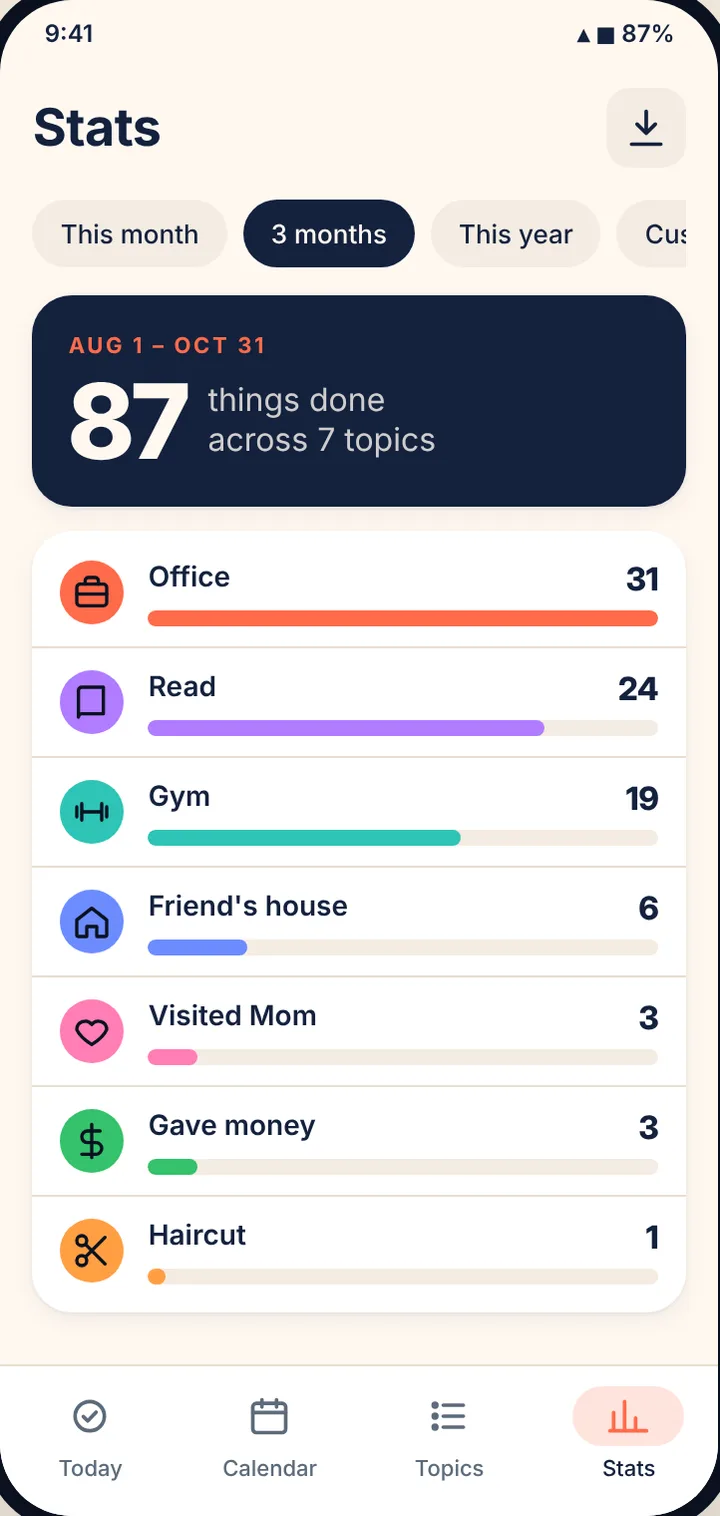
04 Stats
Counts that add up
See how often everything happened this month, in the last 3 months, this year or any dates you pick.
-
Totals and month bars
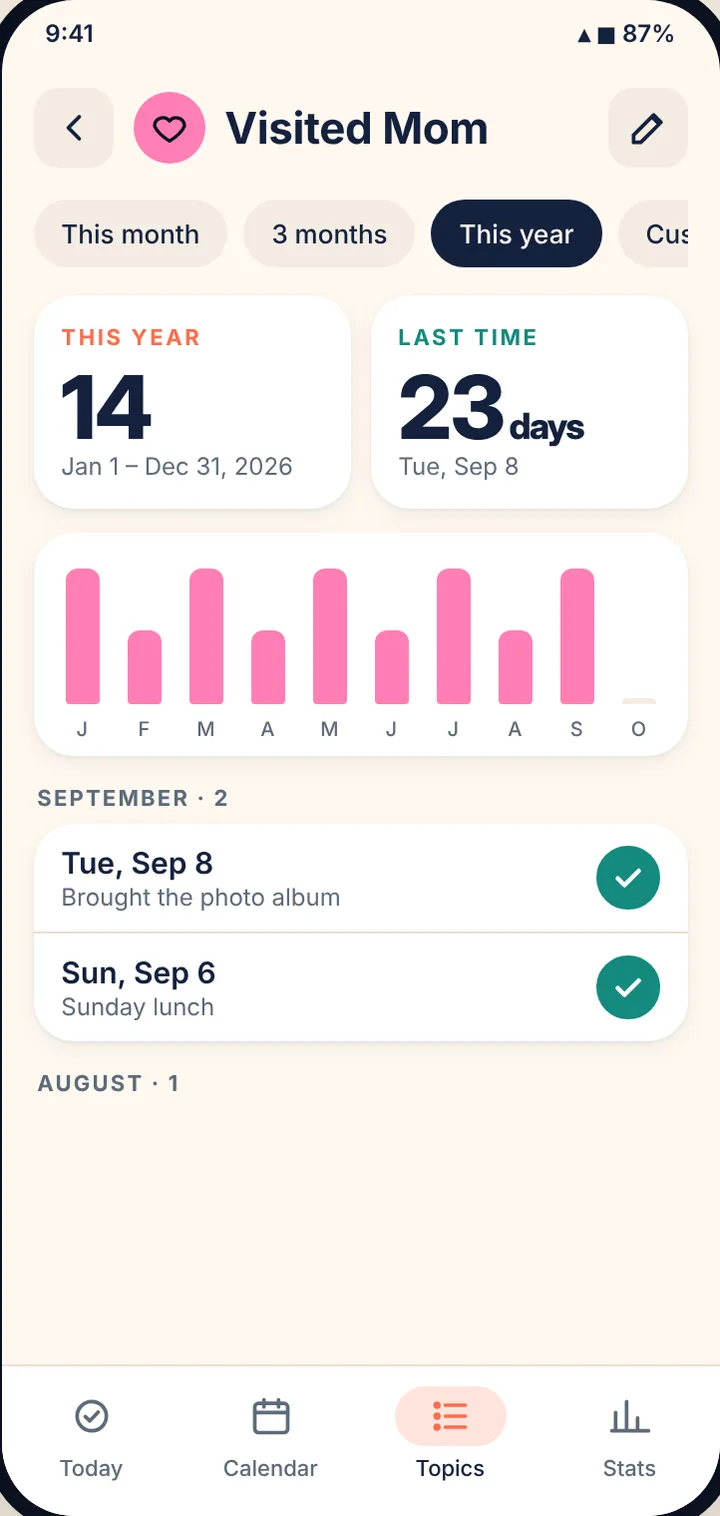
Counts per topic, with a bar for every month of the year.
-
Completion and best day
Completion % per habit, your best weekday and a this-week chart.
-
12-month heatmap
A year of check-ins on every topic’s page, month by month.
-
Full history
Every date a topic happened, newest first, with notes. Upcoming days too.
05 To do & focus
A to-do list and a focus timer, built in
Kept apart from your habits, so tasks never count in Stats.
-
Tasks with a due date
Overdue, Today, Tomorrow and later groups. Views for All, Today, Upcoming and Done.
-
Priority, lists and checklists
High-priority tasks go first. Group tasks into lists and add checklist steps.
-
Repeat
Daily, weekly, monthly or every few days. Ticking one adds the next.
-
Focus timer
25 minutes of focus, 5 minutes of rest. Link it to a task and the minutes are added to it.
06 Reminders
A nudge at the right moment
Reminders are scheduled on your phone and arrive on time, with a Mark done button right on the notification.
-
Daily and planned-day reminders
“Gym today” on planned days, and an optional follow-up: “Did you get to Gym?”
-
Smart times
Optionally nudges 30 minutes before you usually check in.
-
Choose the sound
Chime, Bell, Digital, Soft, Marimba, Alarm, Silent or any ringtone on your phone.
-
Per topic or for all
Set defaults in Settings, then change them for any topic.
And there’s more
The little things that make a big difference
-
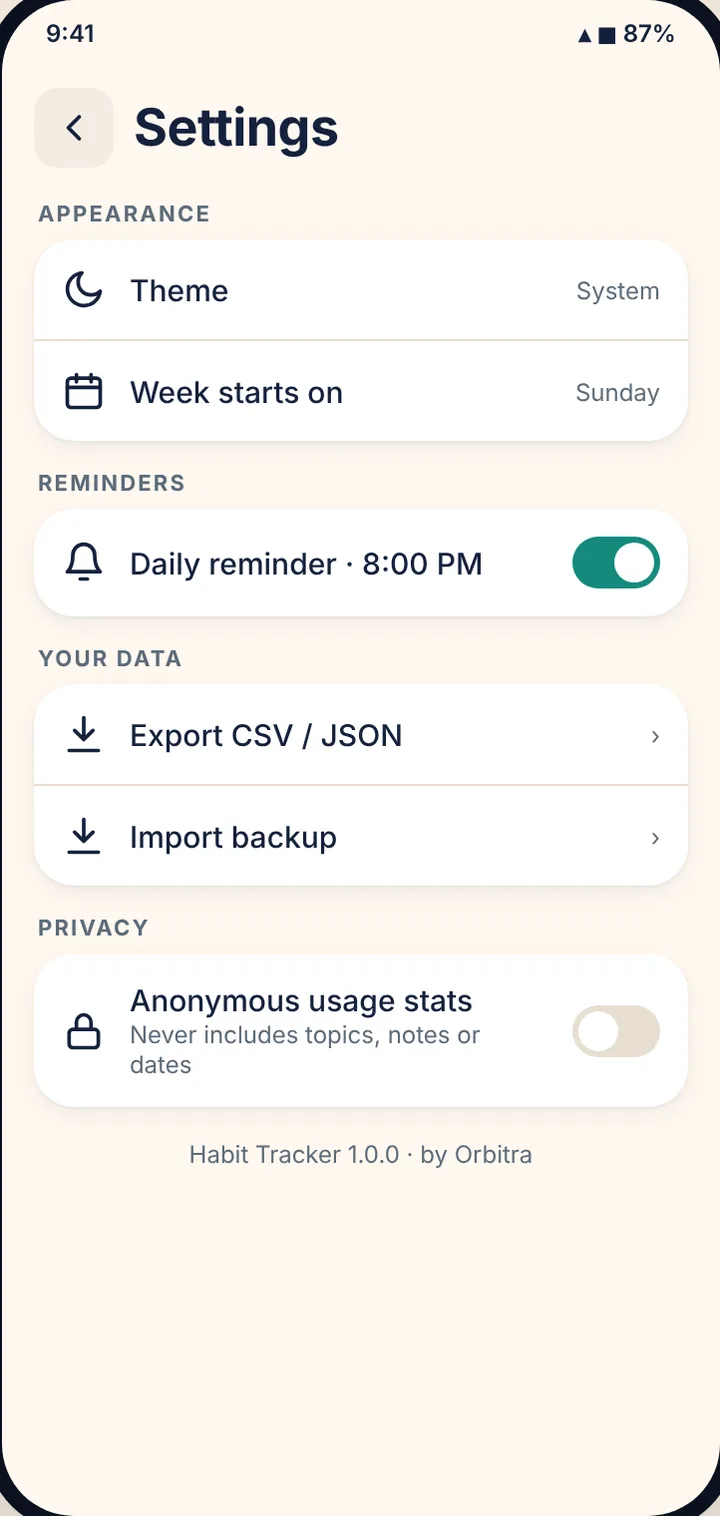
Light and dark
Follows your phone, or pick one.
-
Your week
Start the week on any day.
-
Export
CSV for spreadsheets, JSON for backups.
-
Import
Restore a backup on a new phone. Safe to run twice.
-
Works offline
Everything runs on your phone.
-
Accessible
TalkBack labels, big tap targets, text up to 200%.
-
Private
No account. Stats only if you turn them on.
-
News from Orbitra
Optional updates. Off until you turn it on.
How it works
Three steps. That’s it.
- 1
Make a topic
Pick a name, color and icon, or start from a suggestion.
- 2
Tick it off
Tap a day, or tick it on Today. Plan days ahead too.
- 3
See the numbers
When, how often and how long ago, for any period.
Take a look
Inside Habit Tracker
Screens from the app’s design, shown with sample data.
Privacy at a glance
Your data stays yours
- Your topics, entries, notes and to-dos stay on your phone. We never receive them.
- No account. No ads. No advertising ID.
- Anonymous usage stats and crash reports are sent only if you agree, and you can turn them off in Settings.
Is Habit Tracker free?
Yes. There are no ads and no account.
How do I add a topic to several days at once?
Tap a day, pick the topic, then switch to Date range and choose the last day. “Office, 1–3 Oct” makes three entries in one go.
What is the To do tab?
A simple task list, separate from your habits. Give a task a due date and a reminder time if you like. To-dos never count in Stats.
How do I back up my data?
Go to Settings → Your data and export a CSV (for spreadsheets) or a JSON backup. Keep the file somewhere safe, like your email or cloud drive.
Will I lose my data if I change phones?
Export a JSON backup on the old phone and use Settings → Your data → Import backup on the new one. Importing merges with what is already there, so it is safe to run twice.
My reminders don’t show up, or come late.
Check that notifications are allowed in Android Settings → Apps → Habit Tracker → Notifications. On Android 14 and newer, also allow Alarms & reminders for on-time to-do reminders, and make sure battery saver isn’t stopping the app.
How do I turn off anonymous stats?
Go to Settings → Privacy → Anonymous usage stats and turn it off. Collection stops straight away.
Start counting what matters to you.
Habit Tracker & Day Counter · Free on Android · by Orbitra
Help and legal
Questions or a bug to report? Email [email protected]. We reply within 2–3 working days.