ToolsServer
by Orbitra · Android
Free calculators & converters Thousands of useful tools. One simple app.
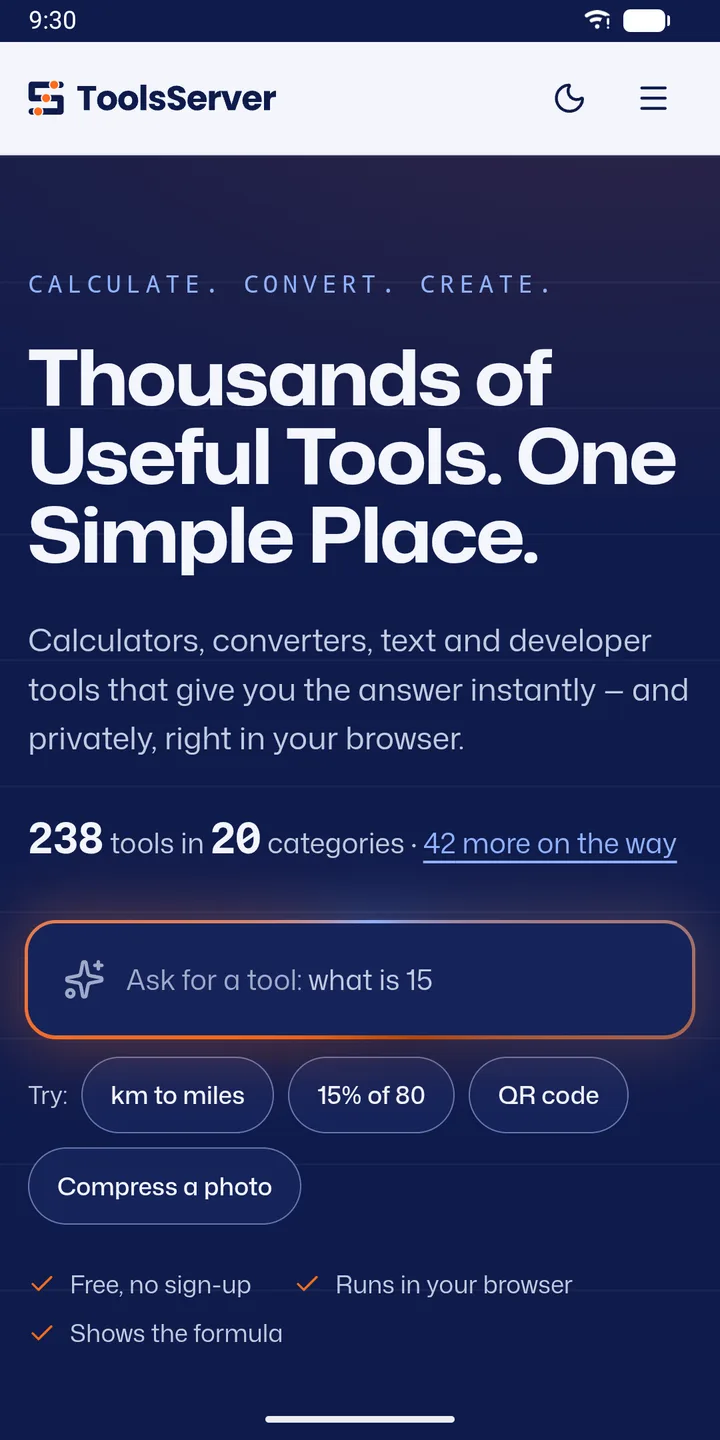
238 free calculators, converters, text, developer and image tools in 20 categories. Every result shows the formula, and what you type stays on your phone. No account, no ads.
- Free
- No account
- No ads
238
free tools
20
categories
42
more on the way
0
sign-ups or ads
01 Find it fast
Ask for a tool and get the answer
Type what you need, like “what is 15% of 80” or “km to miles”, or browse every tool by category.
-
Smart search
Ask in plain words and jump straight to the right tool.
-
20 categories
Calculators, converters, text, developer, image, finance, health, maths, SEO and more.
-
My tools
Save your favorites for one-tap access.
-
Always growing
New tools appear in the app automatically, without an update.
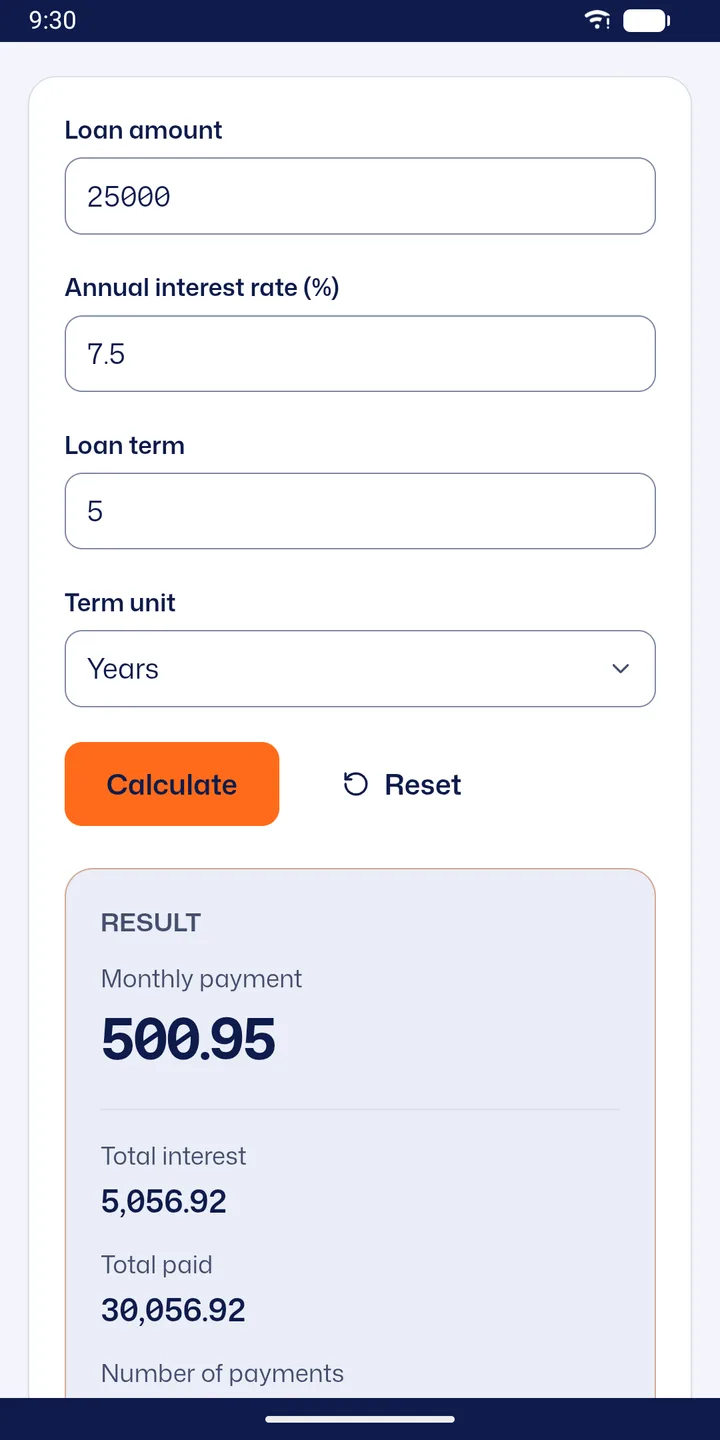
02 Calculators
Answers you can check
Every result shows the formula and the working, so you know it is right.
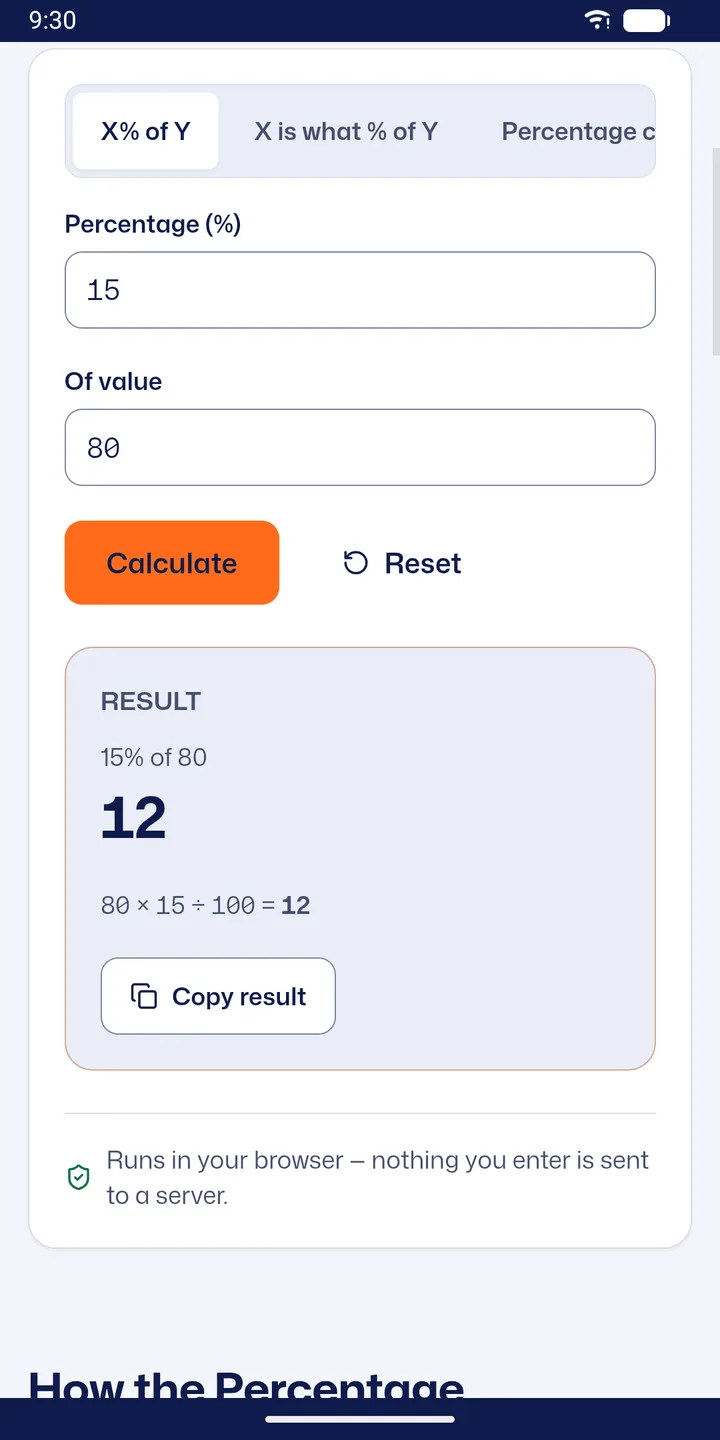
03 Converters & text
Convert anything. Clean up any text.
Results update as you type.
-
Converters
Units, time zones, colors, number bases and data sizes.
-
Text tools
Word and character counter, case converter, find and replace, text diff, text to speech.
-
Copy the result
One tap copies the answer to paste anywhere.
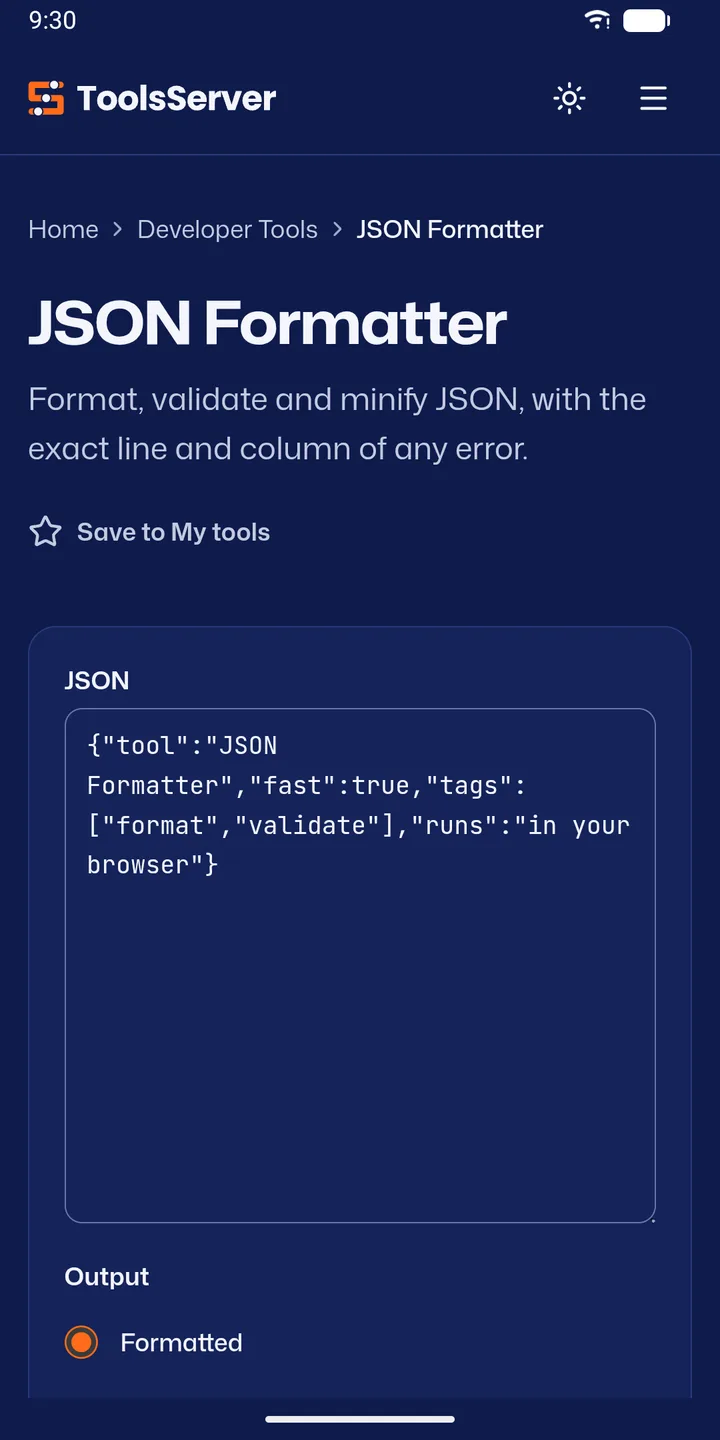
04 Developer tools
A developer’s toolbox in your pocket
Format, validate, encode and test, with the exact line and column of any error.
-
JSON formatter and validator
Format, validate and minify JSON.
-
Regex tester
Test patterns and see every match.
-
Encoders and hashes
Base64 and URL encoders, hash generator.
-
Markdown tables
Build a Markdown table without counting pipes.
05 Create
Generators and image tools
Make it, then save it straight to your Downloads folder.
-
QR codes and barcodes
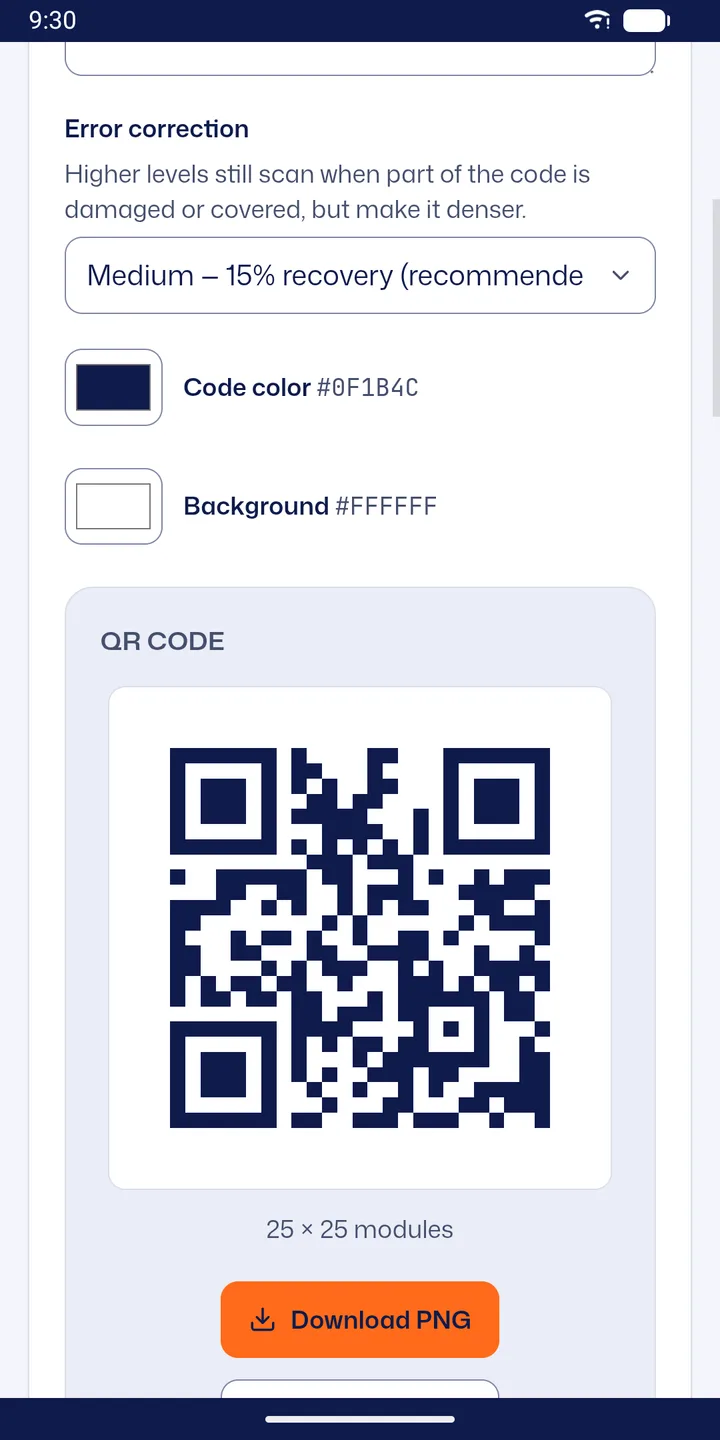
Pick colors and error correction. Download PNG or SVG.
-
Passwords
Strong, random passwords in one tap.
-
Image tools
Compress, resize, crop and convert images. Pick files with the system photo picker.
-
Favicons
Every size a website needs, from one image.
And there’s more
The little things that make a big difference
-
Private by design
Tools run on your phone. Nothing you type is uploaded.
-
Works offline
Tools you have opened keep working.
-
Pull to refresh
Only at the top, so tools never reload by accident.
-
Light and dark
Your choice, day or night.
-
New tool alerts
Optional. Be first to try new tools.
-
Phones and tablets
Android 7.1 and newer.
-
Keeps your input
Rotate the phone, nothing is lost.
-
No account
Open it and pick a tool.
How it works
Three steps. That’s it.
- 1
Ask or browse
Search in plain words or open a category.
- 2
Get the answer
Instantly, with the formula shown.
- 3
Save or share
Copy it, download it, or keep the tool in My tools.
Take a look
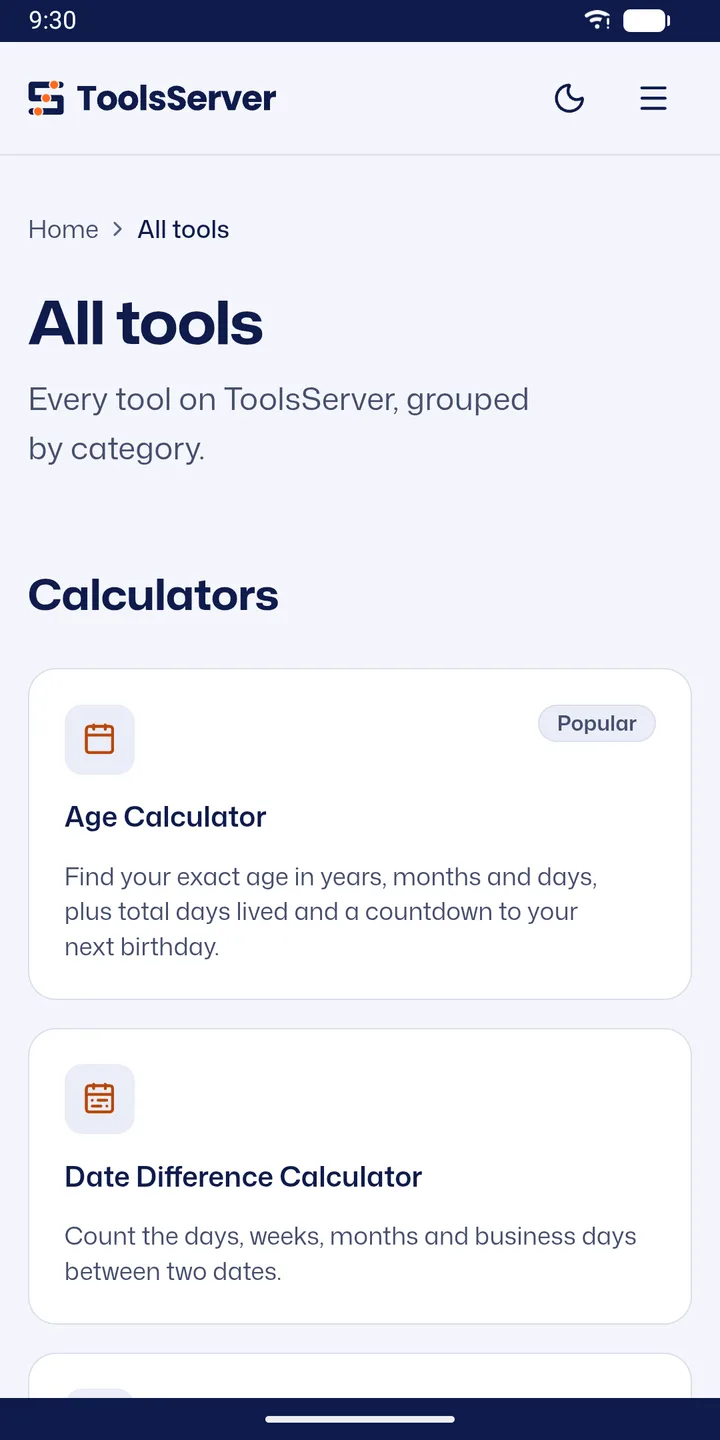
Inside ToolsServer
Screenshots from the Google Play listing.
Privacy at a glance
Your data stays yours
- No account. No ads.
- Tools run on your phone. What you type, paste or pick in a tool is not sent to our servers.
- The app shows the ToolsServer.com website, so the website’s analytics apply.
Is the app the same as the website?
Yes. The app shows ToolsServer.com (opens in a new tab), so you get the same tools. New tools appear in the app automatically, without an update.
Do I need an account?
No. Open the app and pick a tool.
What happens to files I use in a tool?
They stay on your phone. Tools run on your device, so what you type, paste or pick is not uploaded to our servers. See the privacy policy.
Does it work offline?
Tools you have opened before keep working offline. A tool you haven’t opened yet needs an internet connection the first time.
Where are my downloads saved?
In your phone’s Downloads folder.
A tool gave me a wrong result.
Please email [email protected] with the tool name and what you entered. We fix reported bugs as fast as we can.
Every everyday tool, one tap away.
ToolsServer: All-in-One Tools · Free on Android · by Orbitra

Also on the web: toolsserver.com (opens in a new tab)
Help and legal
Questions or a bug to report? Email [email protected]. We reply within 2–3 working days.